What is it for and how to install a digital thermostat
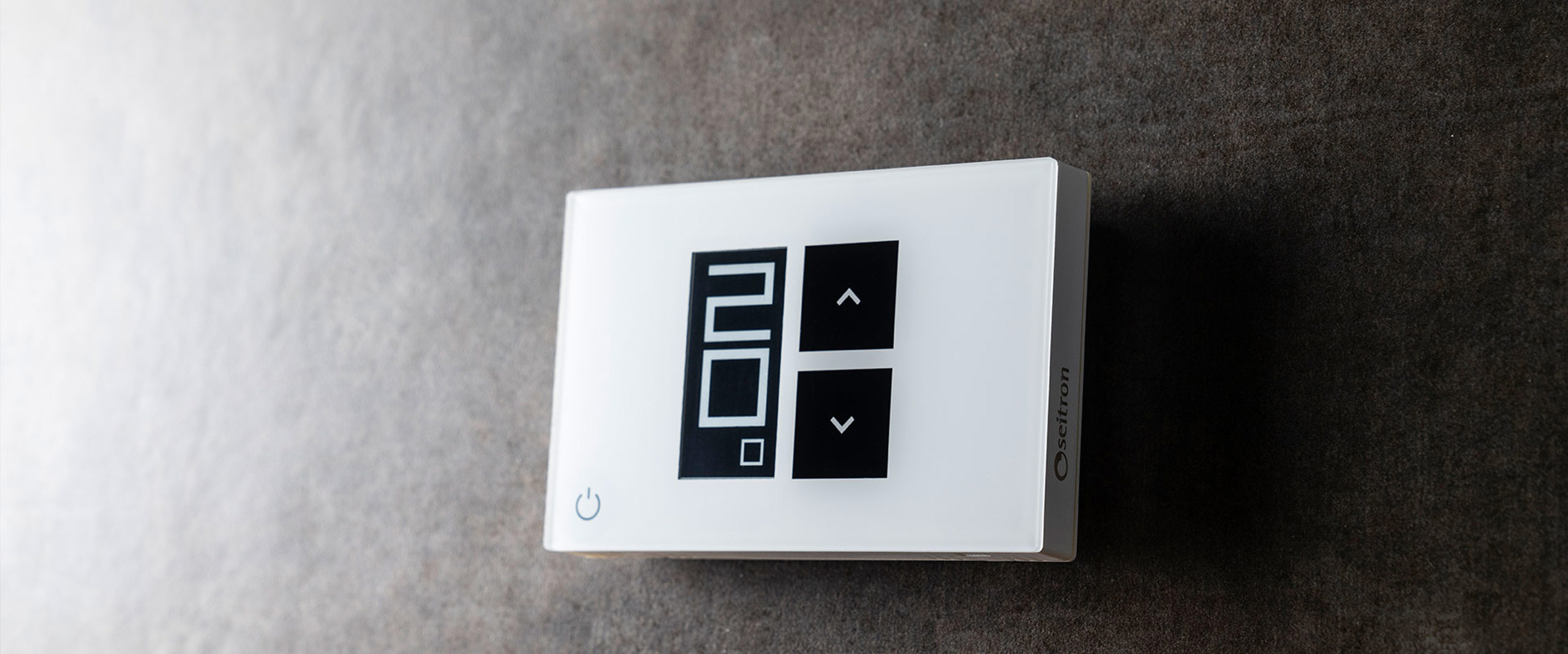
In this article we will see what is it for and how to install a digital thermostat . If you are not familiar with electronics and cables this guide is for you. You will find that installing a thermostat is not as difficult as you might think.
Thermostat or Chronothermostat?
Let's first make a preliminary consideration. Most people, when they use the word thermostat, refers without distinction to the thermostat or chronothermostat .
But is it the same thing? Actually no.
The chronothermostat allows you to manage the heating on an hourly basis, turning it on and off following a schedule, which the thermostat does. cannot do . To learn more about the difference, we refer you to this article: Thermostat or Chronothermostat?
Why this premise? To reassure you, as for the purpose of installation, nothing changes if you have a thermostat or a chronothermostat .
What is a digital thermostat for?
Having made the necessary assumptions, let's immediately see what a digital thermostat is for. The basic function of this device is actually very simple, we can in fact think of it as a switch that switches from on to off based on the temperature set by the user.
Various functions are then applied to this basic logic, including, for example, antifreeze, hysteresis and offset adjustment, system switching on and off programming which allows us to speak of a chronothermostat and which allows for considerable energy saving compared to the simple thermostat.
How to install a digital thermostat in 5 steps
Let's see how to install a digital thermostat, keeping in mind that the same steps can answer the question, how to install a digital chronothermostat . You don't have time to read, you can watch this video where we install a wifi chronothermostat powered by 230V .
To view this content, you must accept marketing cookies.
1. Choose the right place
Normally this step is not necessary as it is already foreseen during the construction of the home systems. Usually in the point dedicated to the thermostat you will find a 503 box, or a channel, with the consent cables and, not always, phase and neutral .
If, however, you have to choose the place to install a digital thermostat from scratch (as in the case of a restoration or redefinition of internal spaces), there are some important guidelines to follow:
- avoid proximity to heat sources (e.g. radiators)
- avoid air currents (e.g. near doors or windows)
- avoid particularly cold walls (thermal bridges)
To these precautions it is worth adding that the installation must be carried out at 1.5 meters from the floor .
Naturally, it is essential to have the boiler's consent cables at the point where the assembly will be carried out and, in the case of a 230V device, also the power cables.
2. Separate the shell from the base
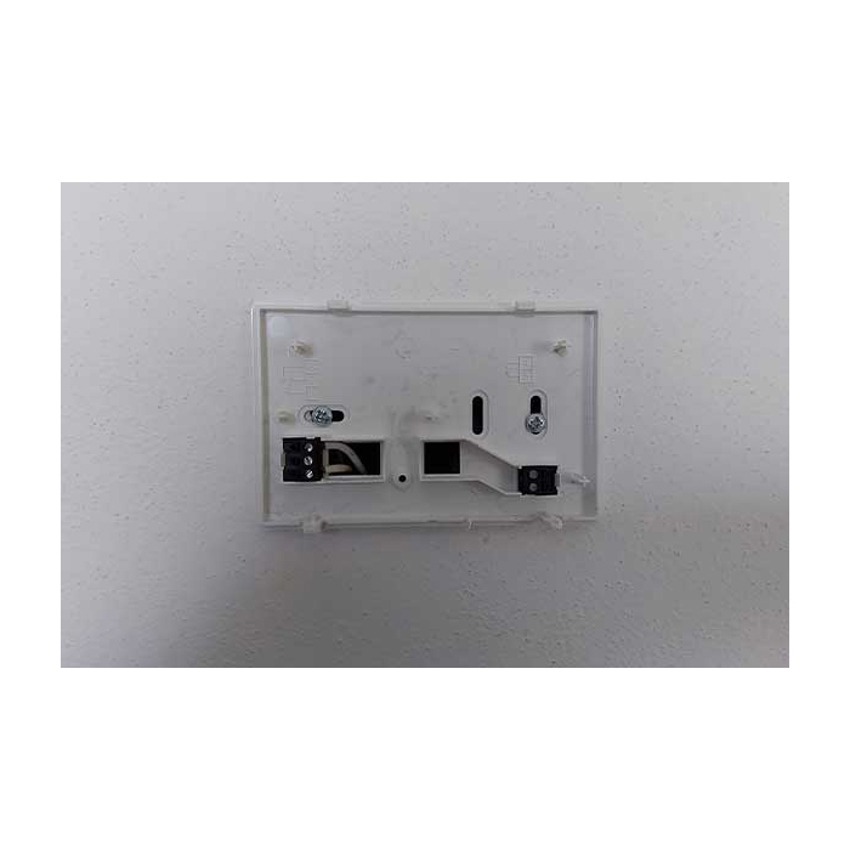
Referring to the instruction manual, follow the steps necessary to separate the thermostat cap from the fixing base.
3. Prepare the base attachment
Most Seitron thermostats and chronothermostats are compatible with the common 503 boxes. If this is not the case, you will have to fix the base by making the holes provided on the wall (normally two).
4. Make connections
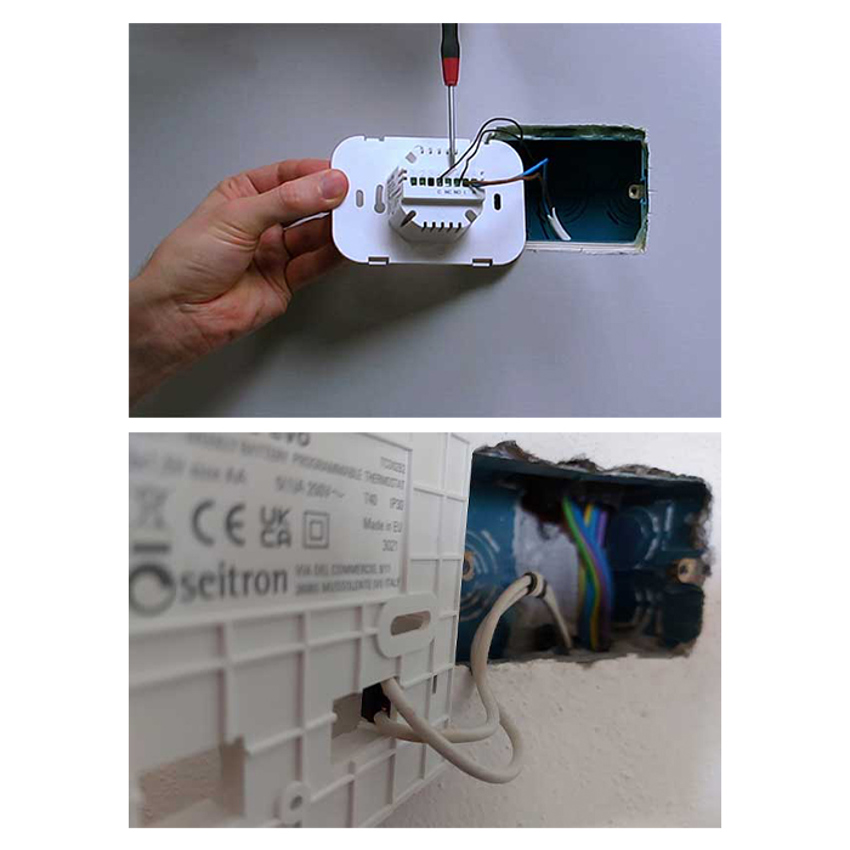
If we have a battery-operated digital thermostat it will be sufficient to connect the boiler consent cables (TA) following the electrical diagram supplied with the manual. If the device is powered at 230V it will also be necessary to connect the cables phase (L) e neutral (N) . Also in this case it is always good to refer to the manual. The photos below show the two cases.
How do I recognize the cables? What happens if I reverse them? Don't worry, read this article and you will see that your doubts will disappear: What happens if I reverse the thermostat wires?
5. Reposition the cap
Always referring to the manual, reposition the cap on the base . At this point the digital thermostat is ready for commissioning.
How to understand if you have connected the digital thermostat correctly
You've followed all the steps to install a digital thermostat, now of course you'd like confirmation that your device is working properly . Is it possible to do this check? Sure, here's how:
- Set the comfort temperature so as to be higher than that detected by the thermostat in the room. Ex: If the temperature detected is 20°C, we set the comfort temperature to 22°C.
- At this point you should hear a metallic “click” which signals that the relay has tripped, and a small flame should appear on the display.
- Check that the boiler has started
If your boiler doesn't start, you probably have wrong connection of the consent cables . If you are having problems with point 2 then it could be a thermostat malfunction , in this case it is better to contact assistance.
Digital and analogue thermostat: what are the differences and advantages?
The digital thermostat has undoubted advantages over the analog thermostat: a more precise temperature detection; the possibility of precise adjustments for example offset, hysteresis, antifreeze; in general a greater access to settings and adjustments of the device via the menu.
Usually the questions that arise when you have to choose between analogue and digital are:
" How long do two batteries last with a screen always on? "
" Do you lose all the settings entered every time the thermostat runs out of battery? ".
In the case of the first question we can reassure you, i Seitron devices are famous precisely for battery life , which reaches years!
As for the loss of settings when changing batteries, in many devices the settings are kept for a few minutes , the time to carry out the replacement. Clearly, if the replacement is not sudden, the loss of the settings is inevitable.
How to find the digital thermostat that suits your needs
We conclude with some advice on how to choose the digital thermostat that's right for you.
Do you need to program switching on and off?
Then the right choice is a programmable thermostat. In this case we recommend three models capable of meeting all your needs.
- Freetime Evo : if your interest is in a device that is simple to install, battery-operated, and easy to program
- Wi-Time : if you want the ability to control the heating via smartphone then Wi-Time is the right compromise between ease of installation and the possibility of Wi-Fi connection.
- hygge : offers the same functions as Wi-Time, but with maximum installation freedom. Battery power and radio connection with the boiler , allow you to position hygge anywhere in the room. The perfect choice if there are no designated points for installing the thermostat and you don't want to carry out building work.
Is programming not a priority?
In this case the simple thermostat is the correct choice and among our offer we recommend the Taddy digital thermostat . Taddy is available with 230V or battery power supply.
Are the boiler consent cables not present?
Don't worry, you can solve the problem with our wireless kit . Even in this case we still provide you with all the options: wireless thermostat , wireless chronothermostat , wireless wifi chronothermostat .
The difference compared to the normal installation of a thermostat is that in this case you will have to connect the radio receiver near the boiler, while no cable should be connected to the thermostat.